Share from any app
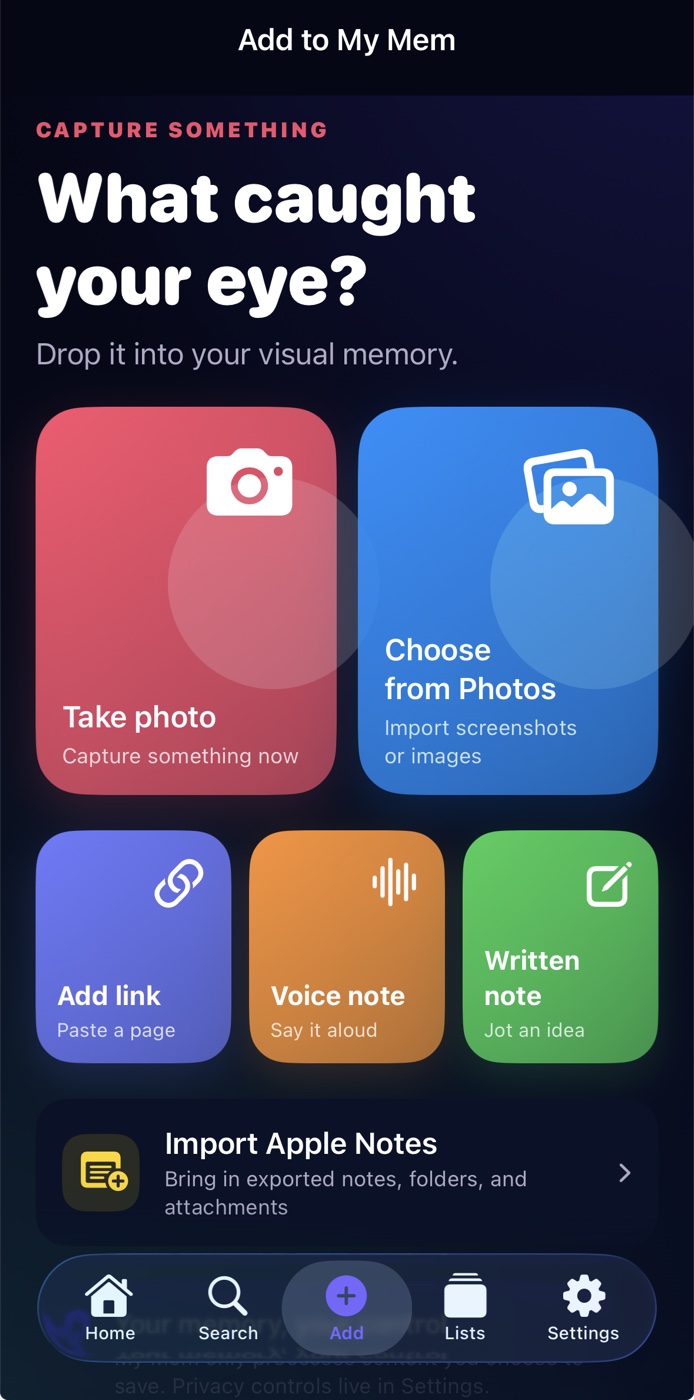
Tap “Share” or “Share Via” in any supported app, choose My Mem, and save the link, post, page, photo, or file.

How it works
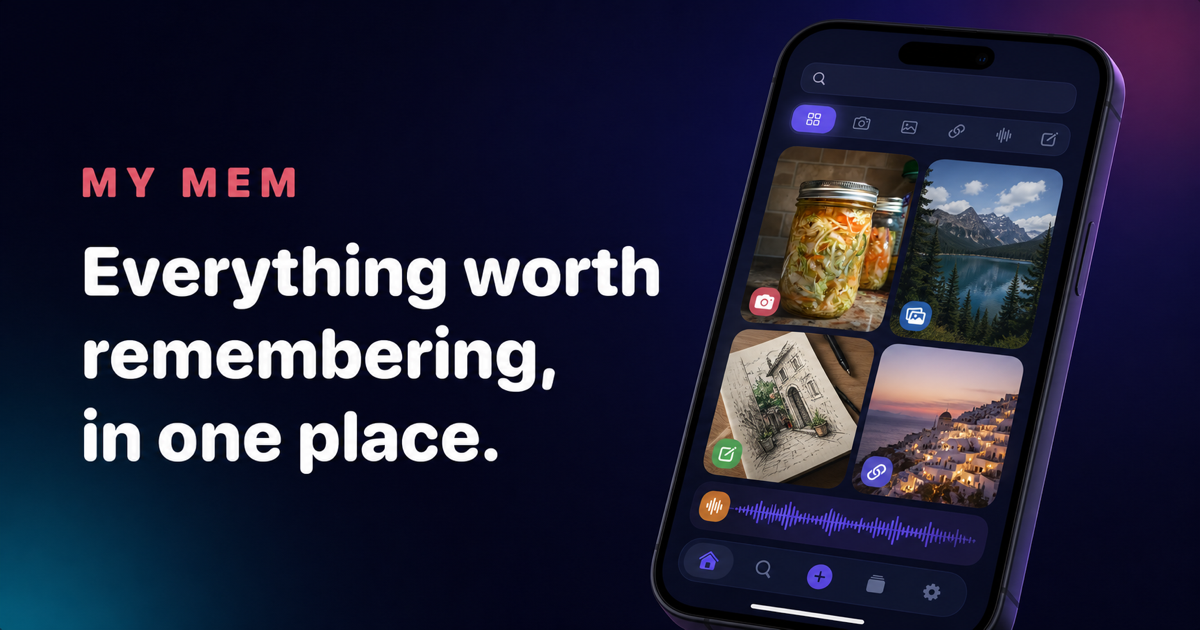
My Mem meets you where the memory begins, then gives it one calm, searchable home.
Tap “Share” or “Share Via” in any supported app, choose My Mem, and save the link, post, page, photo, or file.
Add one screenshot or several at once. My Mem reads and organizes them so their words and ideas become searchable.
Say the thought out loud and keep the recording with your other memories, ready to find again.
Share a note, import an Apple Notes export, or save PDFs and documents together with their attachments.
Bring something into My Mem without breaking your flow, whether it starts in another app or with you.

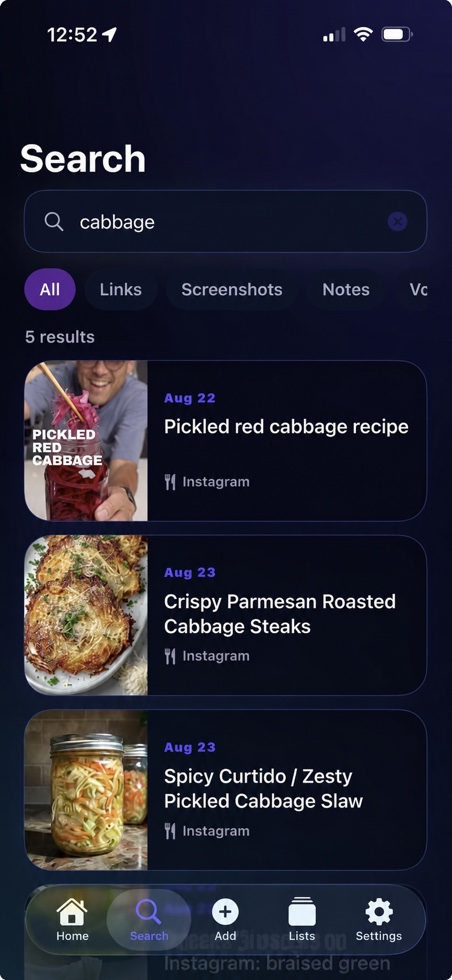
Search across screenshots, links, notes, documents, and more to get back to the right memory in seconds.

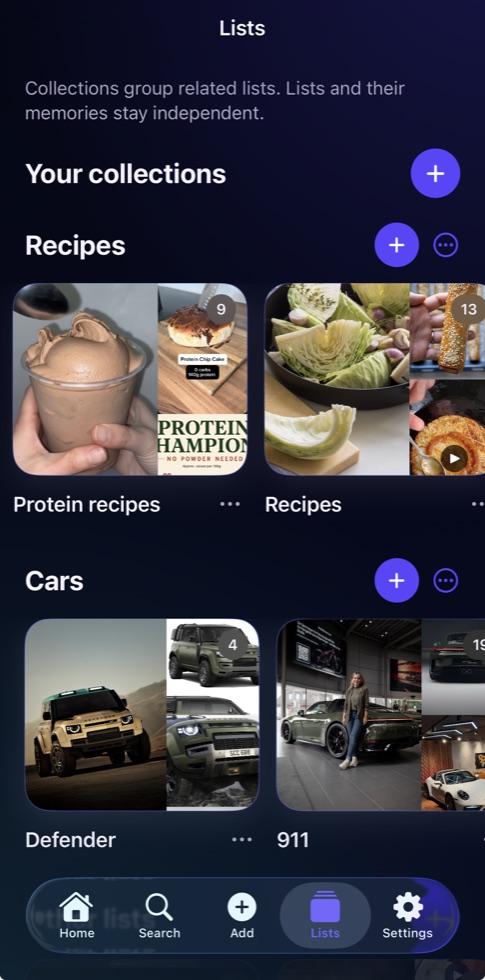
Bring related memories together in visual lists and collections that stay easy to browse.


More than a bookmark
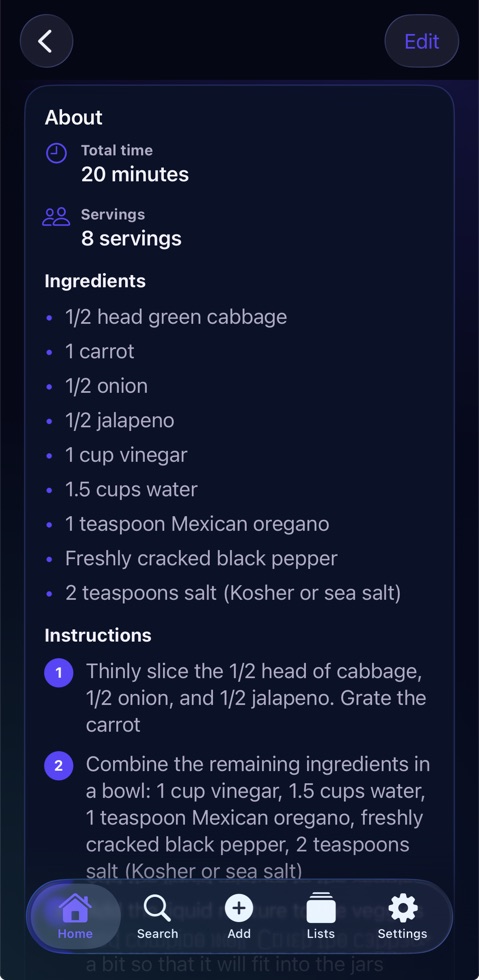
My Mem brings the important details forward, so a recipe becomes something you can cook, an idea becomes something you can act on, and a place becomes somewhere you can return to.
Your memories are yours
On your device first. Your library is stored locally by default.
Your choices. iCloud sync and cloud AI can each be turned off.
No advertising business. My Mem does not sell your memory content or use it for ads.
Read the full Privacy PolicyOne simple plan
$9.99 per year
First month free for eligible new subscribers